Cel Aligner Plugin for Aseprite
A downloadable Aseprite plugin
Usage:
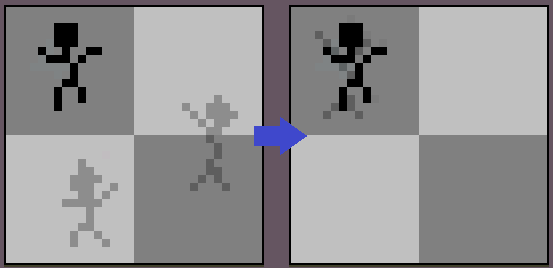
- Just select the cels you want to align. Shift+click the cel you want to align others to.
- Go to Edit->Align Selected Cels
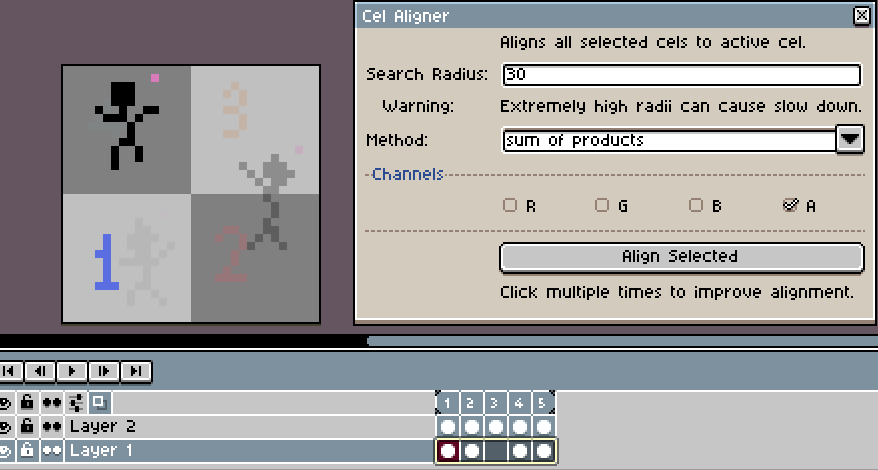
- new window pops up.
- Select the radius to search for alignments. (Extreme radii can slow your system down)
- Select the method (I suggest testing both of them)
- Select the channels you want to use to align cels.
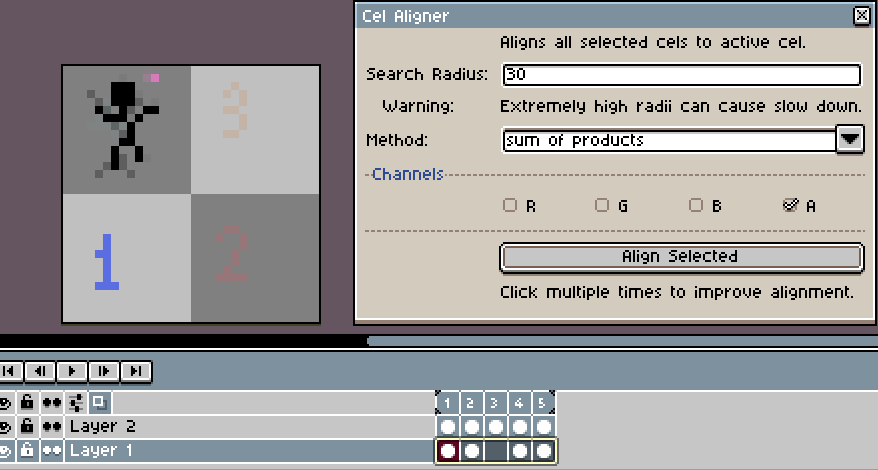
- Click "Align Cels"
- Click again until the alignment doesn't improve.
- If nothing happens, try to increase alignment radii.
- If you do not like the alignment, use Ctrl+Z to revert back.
Download
Click download now to get access to the following files:
Leave a comment
Log in with itch.io to leave a comment.